
Your best photos
FrameWink creates a varied mix from the photos you choose, so the same moments don’t keep appearing.
 Frame
FrameYour best digital frame may already be in your drawer
Turn an iPad you already own into a calm, private photo frame. Choose the moments you love, decide what appears, and enjoy them throughout your day. FrameWink never uploads your photos.

Private by design
Everything happens on your iPhone or iPad. There’s no FrameWink account, ads, or tracking. If a photo is stored in iCloud, Apple Photos may download it to your device before FrameWink can show it.
Read the privacy policyLess setup. Better viewing.
Your photos arrive beautifully arranged, without complicated setup. You stay in control of what appears.
FrameWink creates a varied mix from the photos you choose, so the same moments don’t keep appearing.
Faces and important details stay in view, whether one photo fills the screen or several share it.
Gentle fades, pans, and zooms bring your photos to life without demanding attention. If you prefer less motion, FrameWink respects your setting.
iPad-first by design
Set an iPad on a shelf, desk, or wall and let the moments you love become part of the room. FrameWink arranges each view to suit the screen.

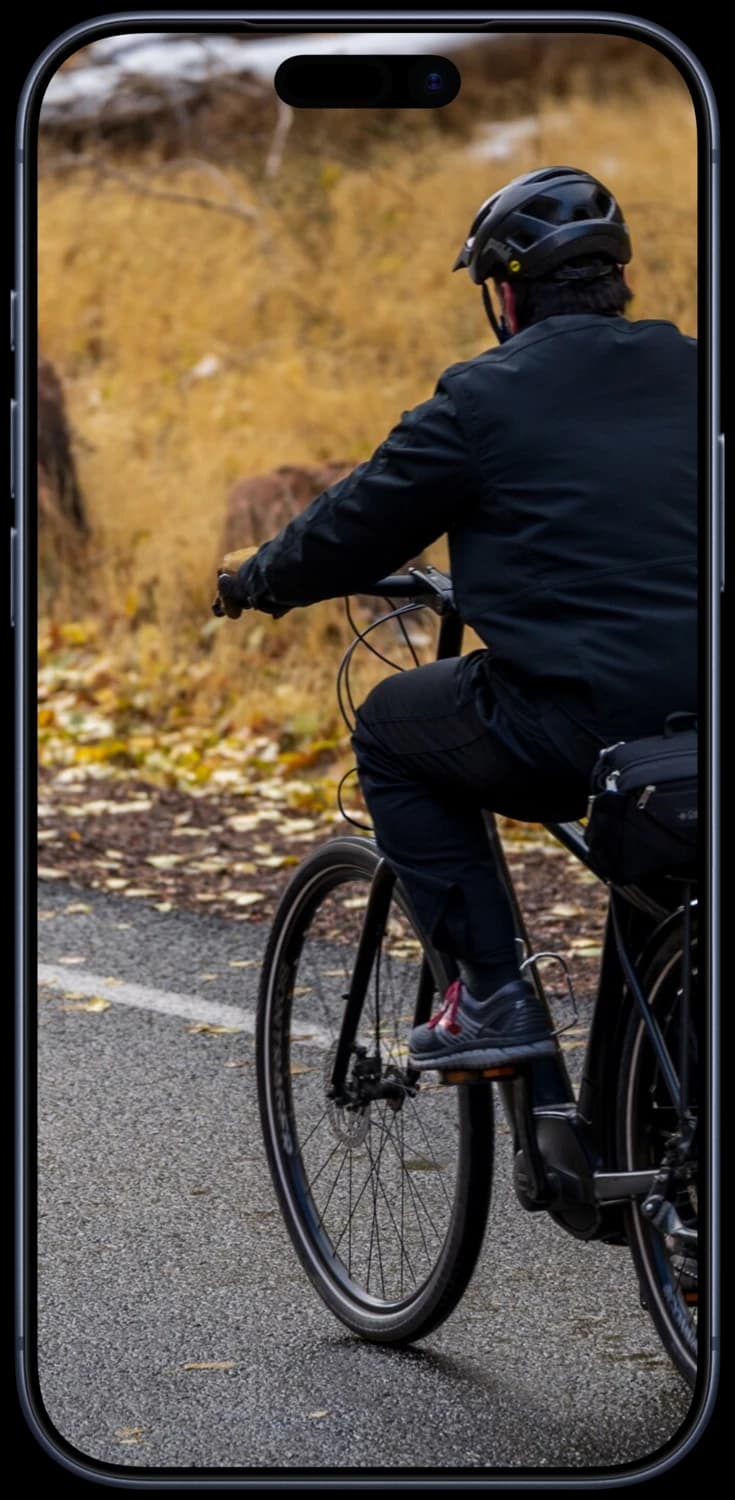
Enjoy the same private photo frame on iPhone, sized for the smaller screen.
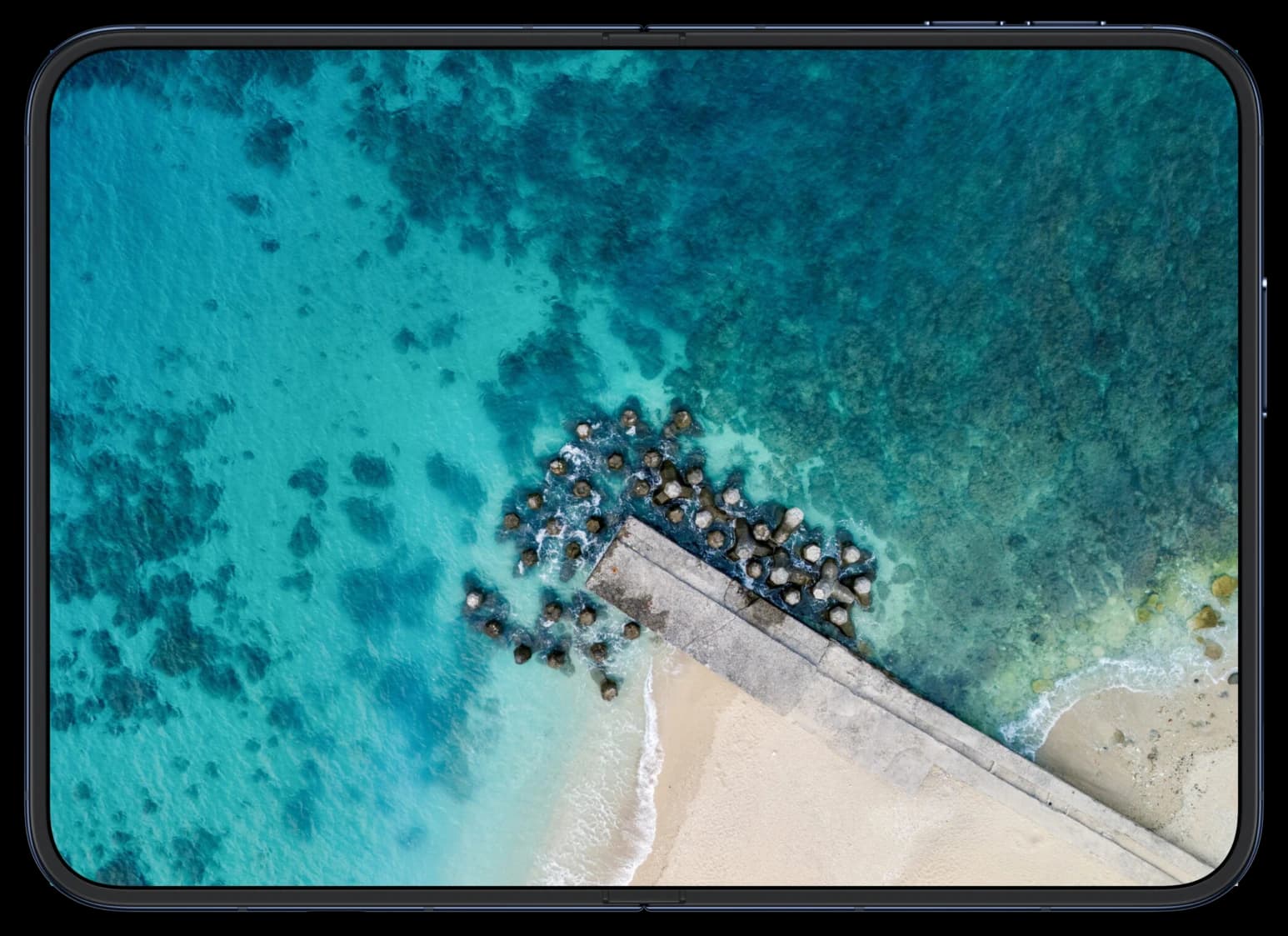
Made for iPhone Duo
Your private photo frame adapts as you open or fold your iPhone Duo.

Simple from the start
Pick the photos you want to see—and nothing else.
Preview your frame and remove anything you don’t want to see.
Start the frame, swipe when you want, and let your photos change quietly.
Useful before you pay
No subscription, countdown, advertising, or watermark.
$0
Choose up to 500 photos and enjoy one reel with up to 100 highlights.
$4.99 once in the U.S.
Choose one Apple Photos album with no 500-photo limit. While FrameWink is open, new photos can join your frame automatically. Local App Store price may vary.

Available on the App Store
Works with iPhone and iPad running iOS or iPadOS 15 or later.
Good to know
No. Choose up to 500 photos, enjoy a reel with up to 100 highlights, and replay it as often as you like.
No. Choosing your best shots, arranging them, and showing them all happen on your device. If a photo is stored in iCloud, Apple Photos may download it to your device before FrameWink can show it.
Not for the free version: Apple’s photo picker shares only the photos you choose. Automatic album updates with Lifetime ask for full Photos access. You then choose the album to use for your frame. FrameWink never changes your originals.
FrameWink Lifetime removes the 500-photo limit for one Apple Photos album you choose. While FrameWink is open, new album photos can appear automatically, recent photos repeat less often, and you can schedule the screen to dim or go dark at night. You also get more arrangements and help setting up a mounted iPad.